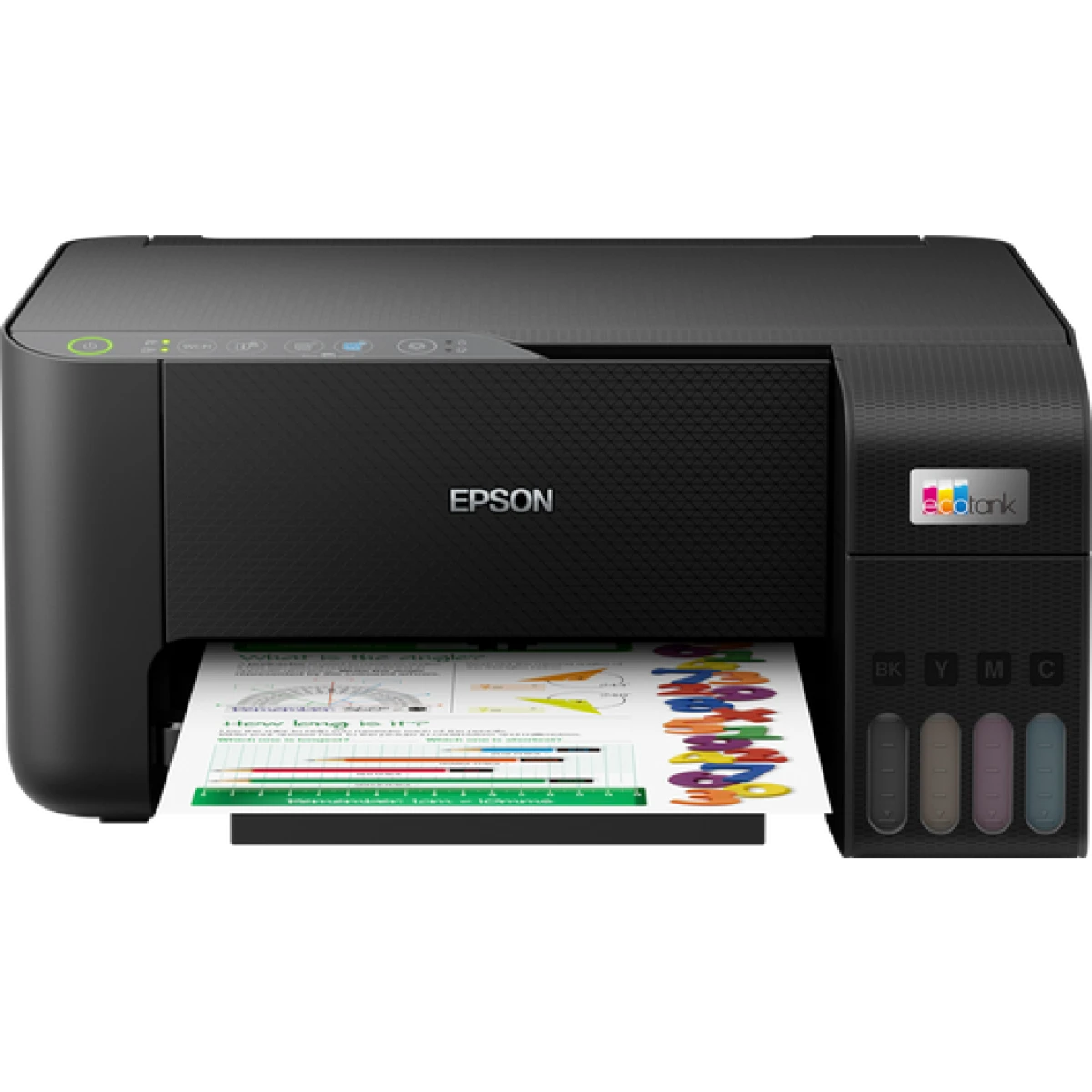
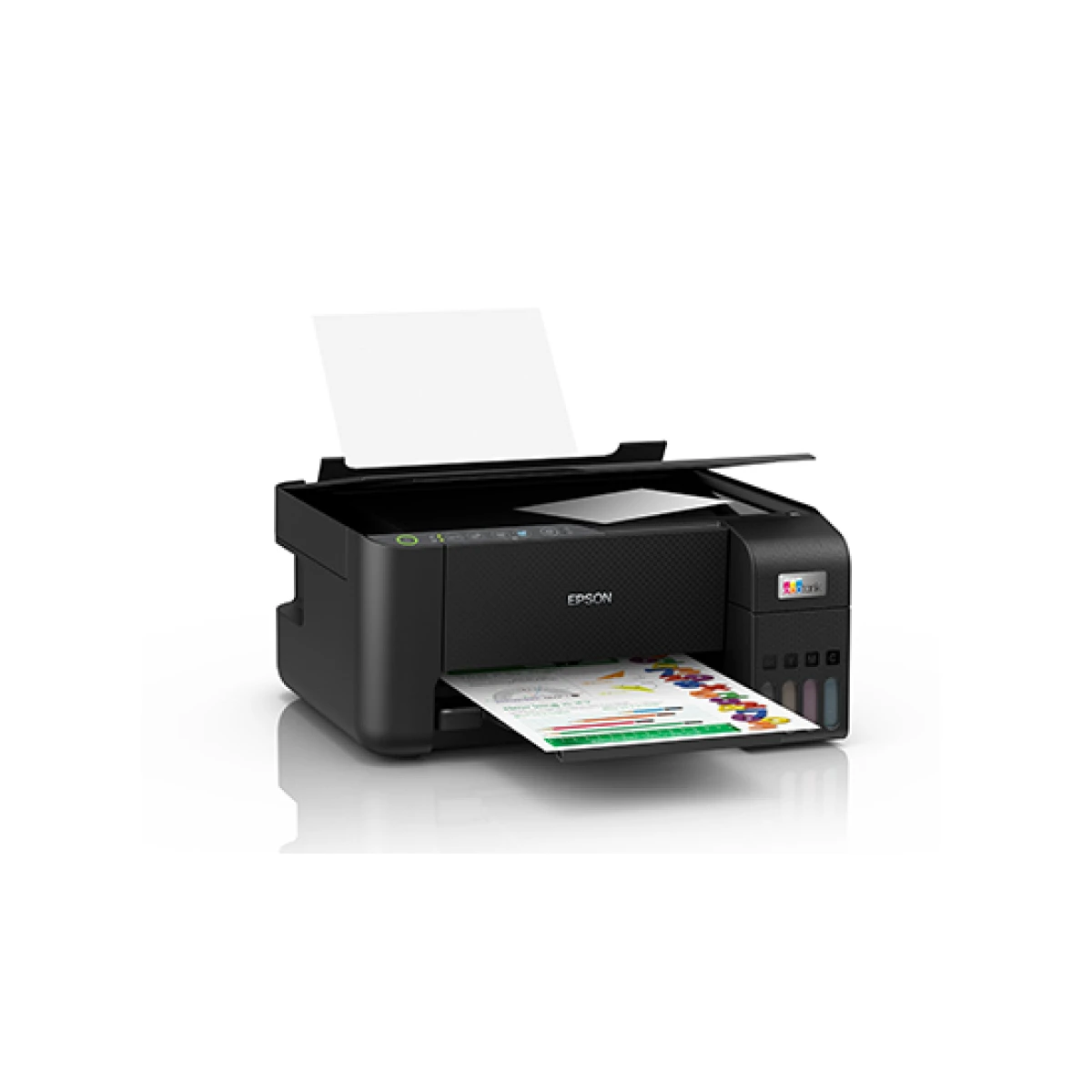
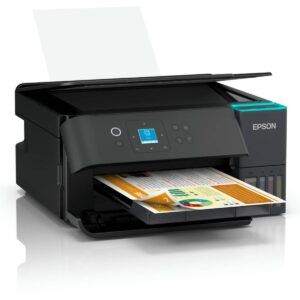
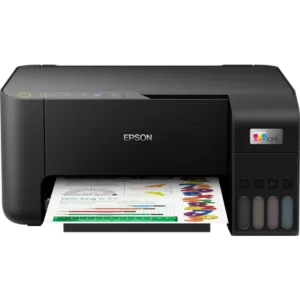
Epson EcoTank L3250 WiFi Ink Tank All-in-One Printer
The Epson EcoTank L3250 is a multifunction inkjet printer (ecotank) built for printing, copying and scanning in busy Jordanian offices and homes. If you’re comparing options and keep landing on the Epson EcoTank L3250, here’s exactly what it offers, who it fits, and what to expect once it’s on your desk.
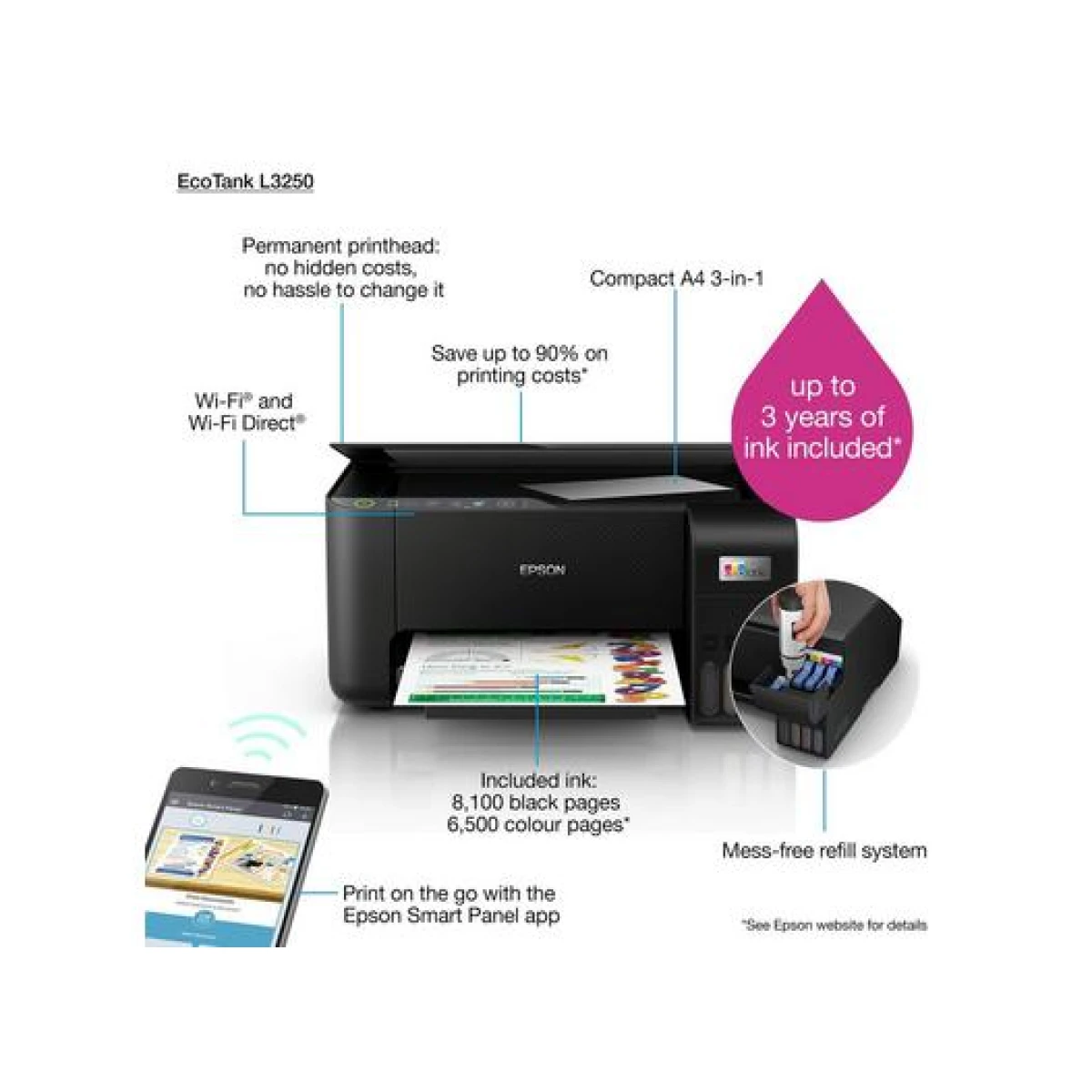
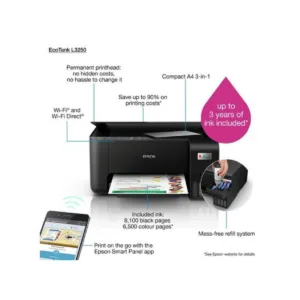
Epson designed the EcoTank L3250 to balance speed, running cost, and day-to-day reliability. It connects over USB, Wi-Fi, Wi-Fi Direct, and supports mobile printing through Epson Connect, Epson Smart Panel, Wi-Fi Direct.
Epson EcoTank L3250 Full Specifications
- Print Technology: Inkjet (Piezoelectric)
- Print Color: Color
- Print Speed (Black): 10 ipm (ISO) / 33 ppm (Draft)
- Print Speed (Color): 5 ipm (ISO) / 15 ppm (Draft)
- Duplex Printing: No
- Maximum Print Resolution: 5760 x 1440 dpi
- Scan Resolution: 1200 x 2400 dpi (Optical)
- Black Page Yield (Standard): 4500 Pages (Black, 103 series)
- Color Page Yield (Standard): 6500 Pages (Color, 103 series)
- Power Consumption: 12 W (Active Copy), 4.5 W (Ready), 0.7 W (Sleep), 0.2 W (Off)
- Weight: 3.9 kg
- Warranty: 1-Year Limited Warranty
Key Features
- WiFi printing, scanning and copying
- Refillable EcoTank ink system
- Very low cost-per-page printing
- Mobile printing support
- High page yield per ink bottle
Why Choose the Epson EcoTank L3250
Beyond the spec sheet, what makes the Epson EcoTank L3250 worth buying is how little it asks of you once it’s set up. The Epson EcoTank L3250 works with genuine Epson 103 Black/Cyan/Magenta/Yellow Ink Bottles cartridges, and Nasaq stocks the full range of compatible ink and toner so you’re never stuck waiting on a refill. Every unit Nasaq ships is inspected before it leaves our showroom, and it comes backed by 1-Year Limited Warranty.
Ideal For
- Home offices and students
- Small businesses printing frequently
- Families needing wireless printing
- Budgetconscious frequent printers
Epson EcoTank L3250 — Frequently Asked Questions
Is the Epson EcoTank L3250 good for daily office use?
Yes — the EcoTank L3250 is built for consistent daily printing rather than occasional use.
What consumables does the Epson EcoTank L3250 use?
The Epson EcoTank L3250 works with genuine Epson 103 Black/Cyan/Magenta/Yellow Ink Bottles cartridges, and Nasaq stocks the full range of compatible ink and toner so you’re never stuck waiting on a refill.
Looking for other options in the same category? Browse Nasaq’s full Inkjet Printers lineup for more Epson and competing models side by side.
For full manufacturer documentation and driver downloads, visit the official Epson website.
Order the Epson EcoTank L3250 online at nasaq.shop or visit our showroom in Amman to see it in person before you buy.
The Epson EcoTank L3250 remains one of Nasaq’s most requested inkjet printers for multifunction inkjet printer (ecotank) needs across Amman and the rest of Jordan, thanks to its balance of 10 ipm (ISO) / 33 ppm (Draft) print speed and low running costs.
The Epson EcoTank L3250 remains one of Nasaq’s most requested inkjet printers for multifunction inkjet printer (ecotank) needs across Amman and the rest of Jordan, thanks to its balance of 10 ipm (ISO) / 33 ppm (Draft) print speed and low running costs.
The Epson EcoTank L3250 remains one of Nasaq’s most requested inkjet printers for multifunction inkjet printer (ecotank) needs across Amman and the rest of Jordan, thanks to its balance of 10 ipm (ISO) / 33 ppm (Draft) print speed and low running costs.




 Epson EcoTank L3250 WiFi Ink T...

Reviews
There are no reviews yet.